
Sponsored by Magic Hour
This article was prepared with AI assistance.
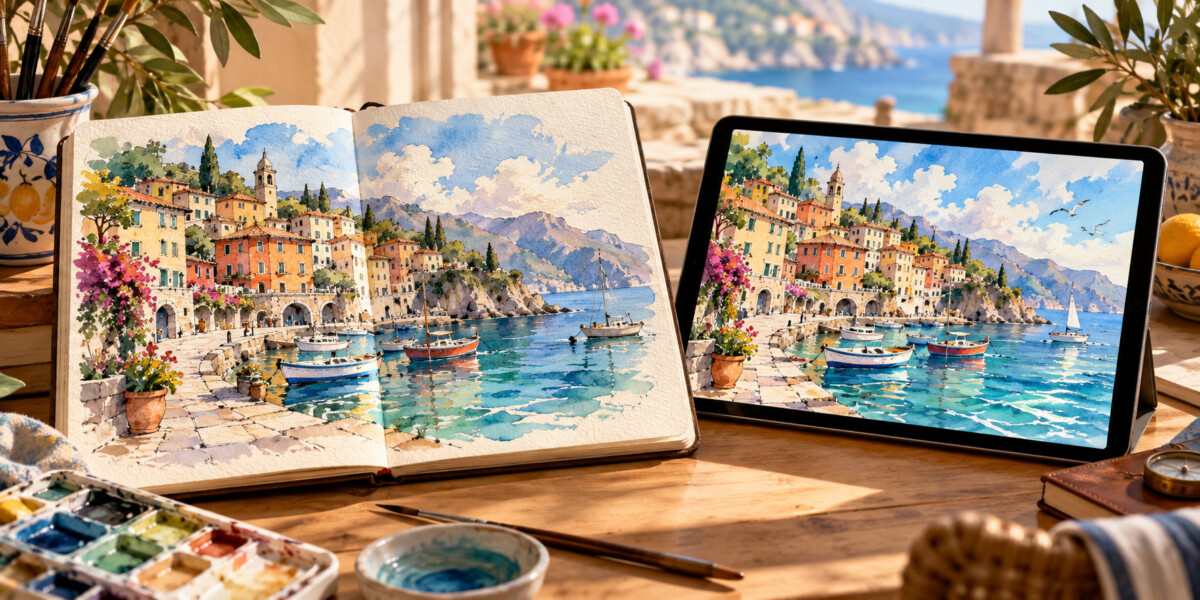
A travel diary does not have to contain only photographs. A drawing of a coastline, an illustrated packing list, or a sketch of a memorable evening can tell a different part of the story. Movement can make that artwork more expressive, but it also changes what viewers might believe they are seeing. Before making a clip, decide whether it is a record of a place, a personal interpretation, or an imaginary scene.
The examples below concern artwork you own or have permission to adapt and publish. They are creative illustrations, not evidence of a destination’s appearance, weather, accessibility, or facilities. Keep factual travel advice separate from the animation, and place a plain description beside the finished video. An attractive moving image should not become an accidental promise about a trip.
1. Turn several drawings into a simple visual diary
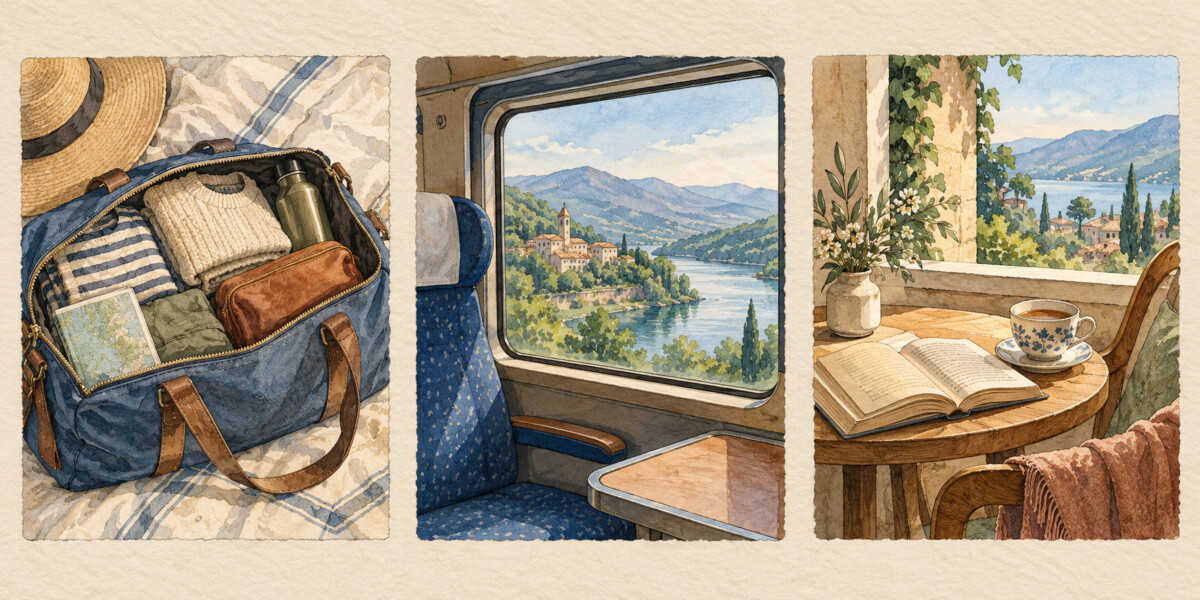
The most predictable approach is a sequence of still illustrations. For example, draw a packed bag, a train window, and a quiet reading corner, then arrange those pictures in order. Add short captions explaining what each scene means to you. A gentle transition can connect the frames without inventing new movement inside them.
This approach works well when the drawing contains writing, maps, or specific objects that must remain unchanged. Viewers get time to read each frame, and you can check the order before exporting. If the sequence represents a real journey, verify dates and place names independently. A decorative sketch does not establish that a route exists or that a train serves it.
Keep each frame on screen long enough to understand. Preview the sequence on a phone, where fine details and small lettering may disappear. When captions carry useful information, repeat that information in the surrounding post so readers can still access it without playing the video.
2. Animate the illustration with deliberate editing
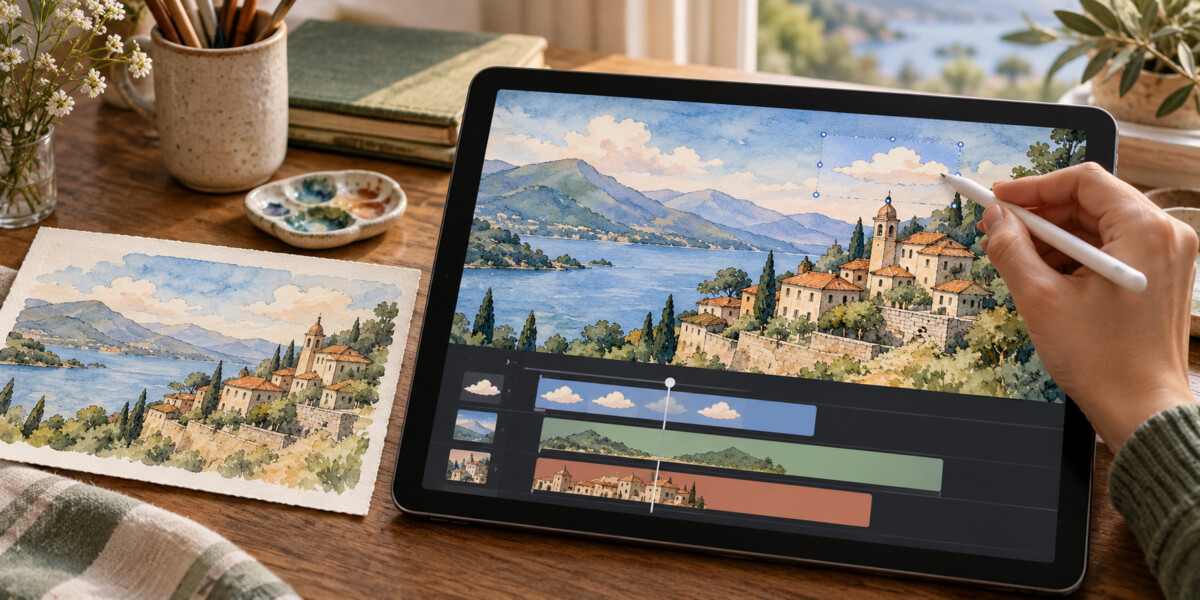
A timeline editor gives you control over changes such as a slow zoom, a gentle pan, or the appearance of a drawn sun. You choose the start and end positions rather than asking a model to imagine the movement. This can be useful for a stylized travel postcard where the composition matters more than natural-looking motion.
Start with one modest movement. A slow pan across a fictional hillside may be enough; several moving objects can make a small illustration difficult to follow. Keep important captions fixed and readable. If you animate a route line, identify it as schematic unless you have checked the actual geography and transport connections.
The main advantage is repeatability: you can adjust a movement without changing the underlying drawing. The tradeoff is preparation. Separate layers make controlled animation easier, while a flattened image limits what you can move independently. Decide whether that extra work improves the story before spending time on it.
3. Explore AI-generated motion from an owned illustration
Image-to-video generation can suggest movement that would take longer to build manually. It is better suited to an expressive sketch than to a precise diagram. A model may invent details, change shapes, or move objects in unexpected ways. Treat the output as a creative interpretation and review it before sharing.
One browser-based option is an image-to-video workflow. Its published workflow starts with an uploaded image, allows an optional description of the movement, and produces a video to preview and download. Available duration, resolution, and other options depend on the selected model and access level; check the current interface before choosing them.
For an original fictional landscape drawing, a starting prompt might be: “Keep the illustrated style. Move the clouds gently while the viewpoint remains still.” This is a proposed creative prompt, not a tested result or a claim that any model will follow it exactly. Inspect the entire clip, especially the final frames, for changes you did not request.
Avoid using generation to demonstrate the condition of a hotel room, the width of a walking path, a mountain’s current snow cover, or an attraction’s safety. Those details influence real decisions. If a generated scene resembles a recognizable destination, make the creative status unmistakable rather than relying on viewers to notice visual artifacts.
Choose the workflow that matches the story
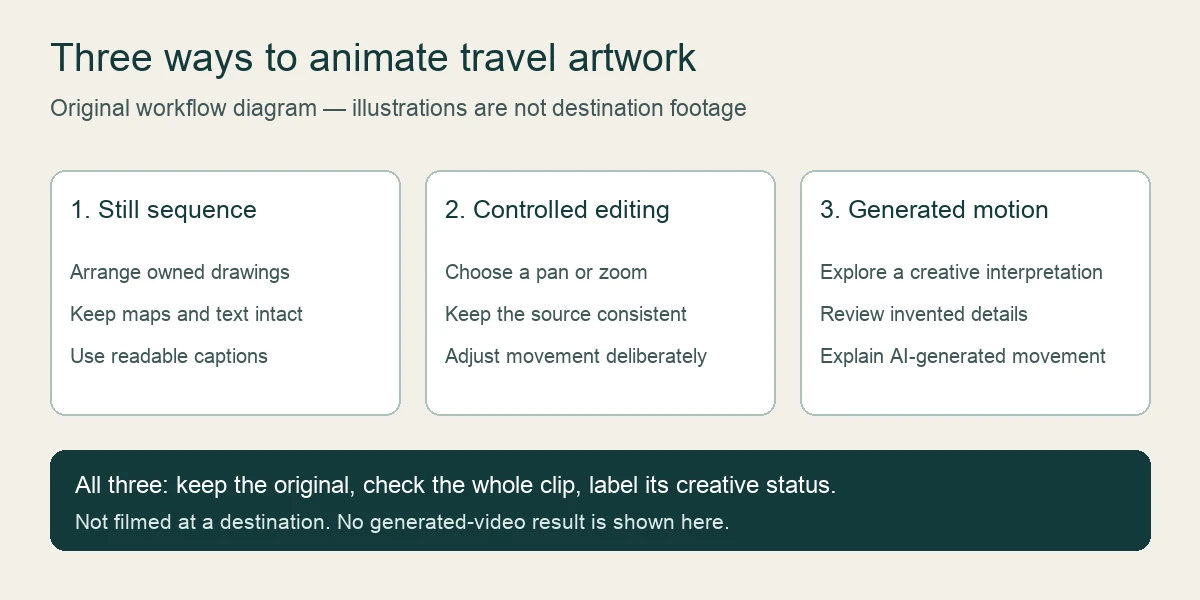
Use a sequence of stills when clarity and readable detail matter most. Choose controlled editing when you need the drawing to stay consistent while particular elements move. Consider generated motion when exploration is the point and you are prepared to discard inaccurate or distracting results. Keeping the original artwork makes it easier to compare the finished clip against your intention.
For all three approaches, consider the viewer’s context. A portrait crop can remove a useful caption that was visible in a wide version. Sound may be unavailable or unwanted, so the meaning should remain clear without it. Keep a still version available, and avoid flashing effects or movement that competes with the accompanying travel information.
Label the clip before publishing
Write the description before exporting, then check that it still fits the result. For an invented drawing, a clear caption is: “Animated fictional landscape illustration; not filmed at a real destination.” For artwork inspired by a real trip, explain that it is an illustration rather than documentary footage. If AI generated the movement, say so in the caption.
Label any extra generated duration
If an owned creative travel clip needs a longer ending, Magic Hour AI video extender generates a continuation from a video. Inspect the join and the entire added sequence, preserve the source separately, and label the extension as synthetic. Additional generated frames are creative material rather than more footage of the destination.
Place that explanation where people will see it during playback, not only in a distant biography or a comment. Include it again when sharing the clip elsewhere. The useful outcome is a travel story whose creative format is clear: readers can enjoy the illustration while understanding which information comes from the artwork and which facts still need independent checking.
Add a clearly fictional travel narrator
For an optional spoken introduction, Magic Hour lip sync AI matches a presenter’s mouth movements to an audio track. Use permitted presenter footage and narration, check timing, and label the synthetic scene. Preserve accurate destination facts in readable text and keep the narrator separate from actual travel recordings.