

Updating an older travel guide is rarely as simple as changing a few prices and hitting publish. Opening hours move, transport routes change, businesses close and, sometimes, the photos begin to show their age long before the advice does.
That does not mean every older image needs to be replaced. A useful photo of a landmark, viewpoint or walking route can remain relevant for years. However, images with poor lighting, distracting objects or the dimensions of a long-forgotten social platform may benefit from careful editing.
AI-assisted tools can make some of that work quicker, but they also make it remarkably easy to create a polished image that is no longer true. For a travel website, accuracy matters more than a flawless sky.
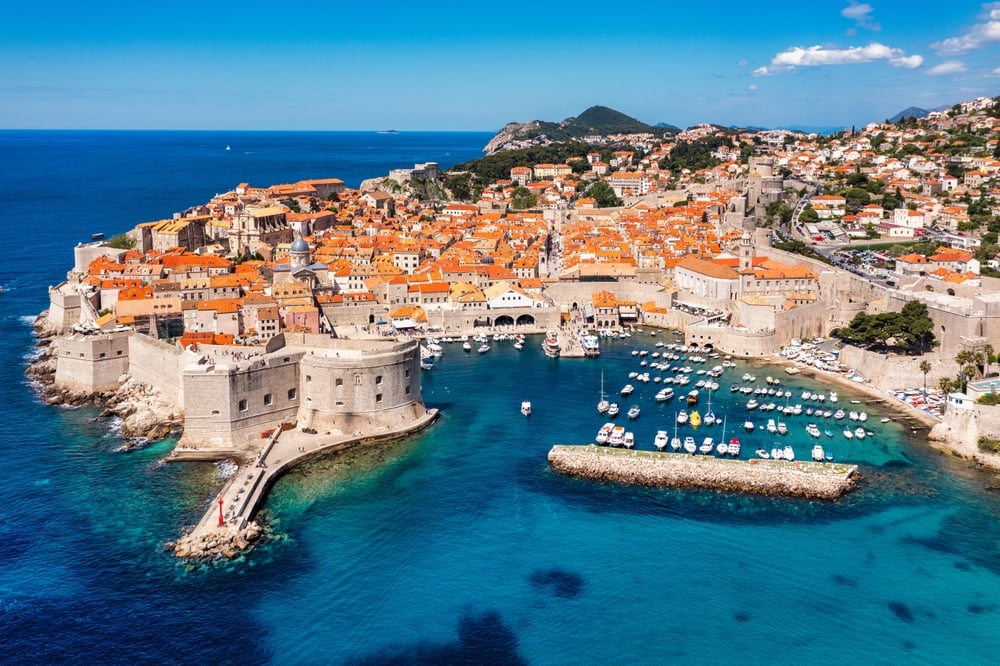

What AI Image Editing Can Actually Help With
Used conservatively, AI can speed up routine image-editing jobs rather than invent a new version of a destination. Depending on the tool and the source photo, useful applications may include:
- Reducing noise in an older low-light image
- Correcting exposure or white balance
- Removing dust spots or a small accidental obstruction
- Sharpening a slightly soft image without changing its subject
- Extending a neutral background to create a different crop
- Resizing an original photo for a blog header or social post
- Creating a clearly labelled illustration when a genuine photograph is not required
AI Tools like can be considered alongside the photography and compression software already used in a publishing workflow. The important point is that the person editing the image remains responsible for checking the result.
If you are building a site from scratch, our guide on how to start a blog covers the wider setup process. Our regularly updated list of blogging tools also includes the services we actually use to run our websites.
What AI Should Not Be Used to “Update”
An edited photograph should not be presented as evidence of what a place looks like now unless the changes are based on reliable, current reference material and the final image is clearly explained.
AI cannot know that a hotel has replaced its furniture, that a restaurant has changed its frontage or that construction beside a famous viewpoint has finished. Asking a tool to imagine those changes may produce a convincing result, but convincing is not the same as accurate.
Avoid using generative edits to:
- Add or remove buildings, monuments, paths or safety barriers
- Make a busy attraction appear empty
- Remove scaffolding when it may still be present
- Change weather or seasonal conditions in a way that affects trip planning
- Invent a renovated hotel room or restaurant interior
- Alter accessibility features, road conditions or trail surfaces
- Create a supposed first-hand photograph of somewhere the writer did not visit
This distinction is especially important in detailed itinerary content. Readers using our trip-planning guide, for example, need practical information they can act on, not an idealised version of a place.
Start With the Guide, Not the Gallery
Before editing photographs, check whether the article itself is still useful. Confirm transport information, official opening hours, admission rules and links directly with the relevant operator or public authority. A prettier photograph cannot rescue advice that is no longer correct.
The same principle applies whether the article covers a major city or an outdoor route. A guide such as our three-day Vienna itinerary contains practical planning details that may change, while a post about the weather for golf in Scotland needs images that do not create unrealistic expectations about conditions.
Use a simple priority order:
- Verify the facts. Fix or remove anything that can no longer be supported.
- Review the recommendation. Decide whether the place still belongs in the guide.
- Audit the images. Identify photos that are inaccurate, low quality or badly formatted.
- Choose the least invasive fix. Crop, compress or make standard adjustments before using generative editing.
- Check the result. Compare it with the original at full size and look for invented details.
A Safer Workflow for Editing Older Travel Photos
Keep the Original File
Always preserve an untouched copy. It provides a reference if an edit introduces distorted signs, strange architecture, repeated people or other small errors that are easy to miss on a phone screen.
Write a Narrow Instruction
Specific prompts reduce the temptation to redesign the whole scene. “Reduce noise and correct the warm colour cast without changing any objects, people, signs or architecture” is safer than “make this destination look modern and beautiful.”
Compare Important Details
Inspect street names, prices, menus, trail markers, transport signs, windows, railings and people’s faces. Generative systems may modify details even when that was not requested.
Export for the Web
Use sensible dimensions, compression and a descriptive filename. Add alt text that explains the image’s useful subject instead of stuffing it with keywords. Google’s official image SEO guidance recommends placing images near relevant text and using descriptive filenames and alt text.
Record and Disclose Material Changes
A basic colour or exposure correction normally does not need a dramatic warning. A generative change that adds, removes or substantially rebuilds part of the image should be disclosed in the caption. If an image is entirely synthetic, label it as an illustration rather than allowing readers to assume it is documentary travel photography.
The Coalition for Content Provenance and Authenticity has developed Content Credentials, an open standard designed to record information about where digital media came from and how it was edited. Support varies by tool and publishing platform, so a plain-language caption is still useful.
What About Search Traffic?
There is no sound basis for claiming that running old photographs through an AI editor will automatically improve rankings. Image quality can improve the experience of a page, but it does not replace accurate reporting, useful writing or solid technical SEO.
Google’s guidance on generative AI content focuses on accuracy, quality and relevance rather than whether AI was used during production. It also warns that generating large amounts of low-value content can violate spam policies.
For an established article, the goal should be to make the page more useful to the person planning a trip. That may mean replacing one genuinely misleading image, compressing several oversized files or leaving perfectly serviceable originals alone.
When a New Photo Is the Better Choice
Use a current photograph from the venue, tourism authority or a properly licensed library when the appearance of the place is important and the old image is no longer representative. Check the licence, credit requirements and any restrictions on modification before publishing.
Original photography also remains valuable because it records what the writer actually encountered. Our guide to the best places to take pictures in Austin works because the locations themselves are the subject. Inventing cleaner murals or moving objects around them would make the guide less useful, not more.
Copyright needs attention too. Ownership and permissible use can depend on the source material, the licence and the amount of human creative input. The US Copyright Office’s AI resources provide current reports on copyrightability and other issues, but publishers should seek jurisdiction-specific advice when the rights position is unclear.
A Practical Test Before Publishing
Ask one question: could this edit cause a reader to expect something they will not find?
If the answer is yes, use the original, find a licensed current photo or label the new image clearly as an illustration. If the edit only corrects a technical flaw while leaving the scene intact, it may be a reasonable way to extend the useful life of an older photograph.
AI image editing can save time, particularly for resizing, cleanup and restoration. It should not be used as a substitute for returning to a destination, checking current sources or admitting when an old guide has reached the end of its useful life. In travel publishing, a slightly imperfect real image is often more helpful than a perfect picture of a place that does not exist.
